
Built for independent HVAC shops
Your technician just lost signal. The job doesn’t stop.
Corwinn's mobile app keeps working with zero connection — new jobs, checklists, and photos all sync the second you're back online. Housecall Pro goes read-only. Some tools go blank.
- flat base / month
- $99
- flat base / month
- per active tech
- $29
- per active tech
- bars needed
- 0
- bars needed
- Dispatch board
- Offline mobile app
- Customer pipeline
- Recurring jobs
- Pricebook
- Estimates & e-signature
- Financing offers
- Automations
- Inventory & POs
- Permits
- Job costing & reports
- Payroll & commissions
- QuickBooks sync (coming soon)
- Your branding

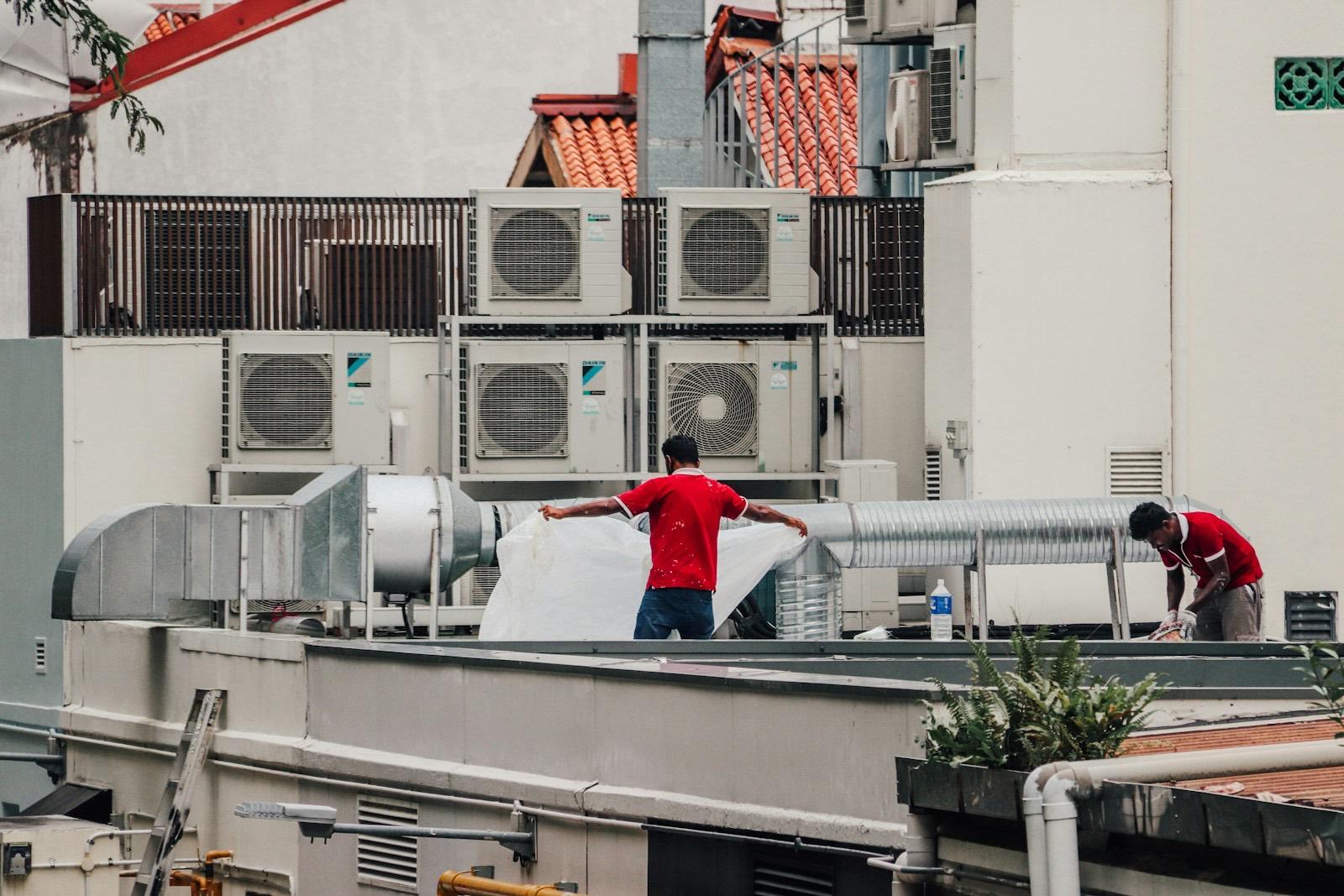
Rooftop, 14 units
Checklist done. Photos taken. New job created.
The difference
Most HVAC apps go blank where the work is.
Mechanical rooms, crawlspaces, and rooftops are signal dead zones. Corwinn was built offline-first from day one, so the app on the phone is the whole app, not a cached screenshot of it.
Read, write, and create
Not a read-only cache. Techs open history, fill checklists, take photos, and start brand-new jobs with zero bars.
Syncs the second it can
Every change waits safely on the device and goes up on its own the moment signal comes back.
Conflicts surfaced, never lost
If two devices edit the same record offline, the losing edit never vanishes silently. It lands in a review queue for someone to reconcile.
How it works
One job, start to paid, in one system.
Scroll and follow the airflow from the first phone call to the books.
Step 01
A call comes in
The booking widget on your site drops the request straight into your customer pipeline, with the property and equipment already attached.
Online booking · Customer pipeline
Step 02
Dispatched in two clicks
Drag the job onto a technician on the dispatch board. The customer gets an automatic “on my way” text with an ETA.
Dispatch board · Automations
Step 03
On site, zero bars
Basement, attic, rooftop. The tech reads the job history, ticks the checklist, takes photos, and creates a new job. All of it works with no signal.
Offline read · write · create
Step 04
Estimate signed on the spot
Build good / better / best options from your pricebook, show financing, and capture the signature on the tech’s phone.
Pricebook · E-signature · Financing
Step 05
Invoice paid, follow-up booked
The customer pays by card on site. Corwinn sets up the next maintenance visit and sends the review request on its own.
Payments · Recurring jobs
Step 06
The books stay balanced
The invoice is ready for QuickBooks (direct sync is pending Intuit approval). Job costing shows what you actually made, and commissions land in payroll.
QuickBooks-ready · Job costing · Payroll

Live demo
Don't take our word for it. Click around.
The real Corwinn dashboard, running right here. Open the offline app: turn the signal off and keep working.

How we're different
Side by side with what you use now.
Real, sourced numbers, not our claims. Every figure links to where it came from.
Jobber · BBB profile
Not accredited
9 of 9 published customer reviews are 1-star; 5 of 9 never received a company response.
Source: BBB
Made for the van, not the desk.
Job history, checklists, photos, and new jobs. All on the phone, all without signal.
Every unit's history, one tap from the job.
Your logo, your colors.
Put your shop's logo, icon, and color on the dashboard your team works in every day.
Pricing
One price. Grows with your crew, not your office.
Flat pricing, stated in full
$99 base + $29 × 6 active technicians
No add-on tiers. No 12-month contract.
Everything, at every size
- Unlimited owner, dispatcher & office seats
- Offline mobile app for every tech
- Dispatch board & recurring jobs
- Pricebook, estimates & e-signatures
- Job costing, reports & payroll
- Automations & QuickBooks sync (pending Intuit approval)
Month-to-month, no lock-in contract. The price above is the whole price, no asterisk.
Keep the job moving,
signal or not.
Import your customers and pricebook from a CSV and dispatch your first job today.